
AI Kissing Video Generator from One or Two Photos
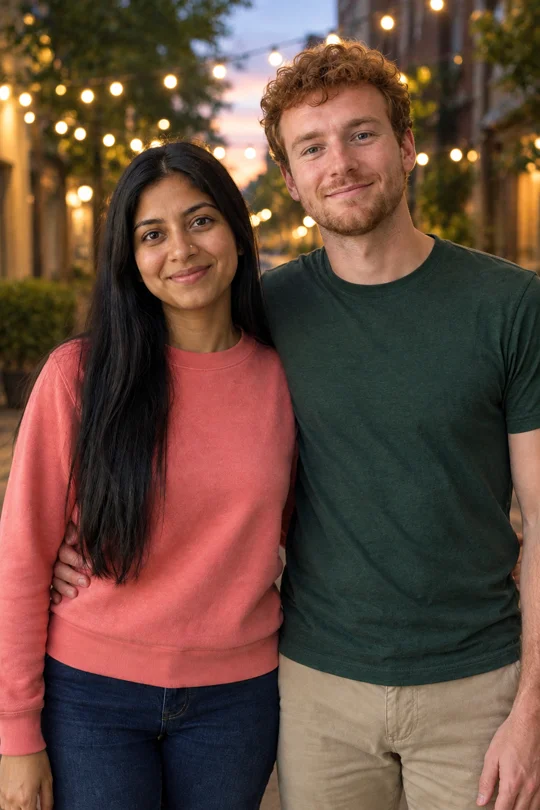
Turn one couple photo, or two separate photos, into a short AI kiss video. The two people turn to each other and share a gentle kiss, with their own faces, clothes and background kept. There is no prompt to write: upload, choose 5 or 10 seconds, and create.
1Add your photos
Both people clearly visible, faces toward the camera. JPG, PNG or WebP, up to 10MB.
2Quality & length
Length
Resolution
480P · 5s · 20 credits
How to Make an AI Kiss Video
Choose one or two photos
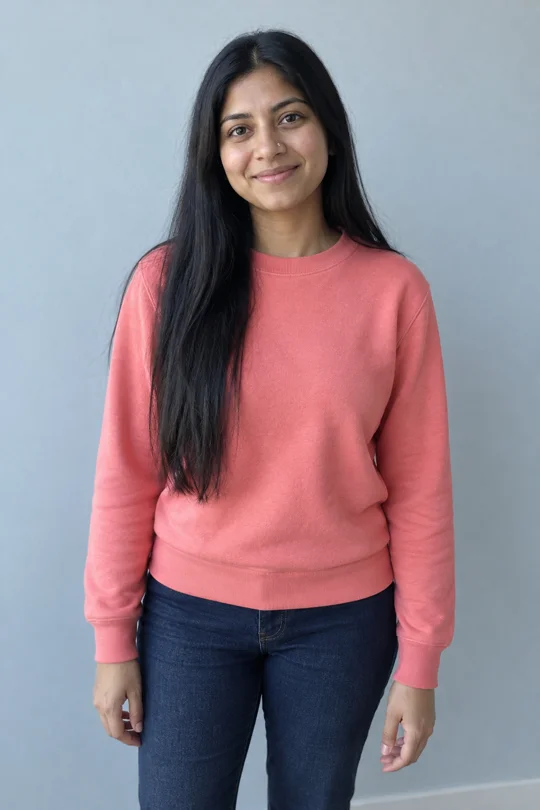
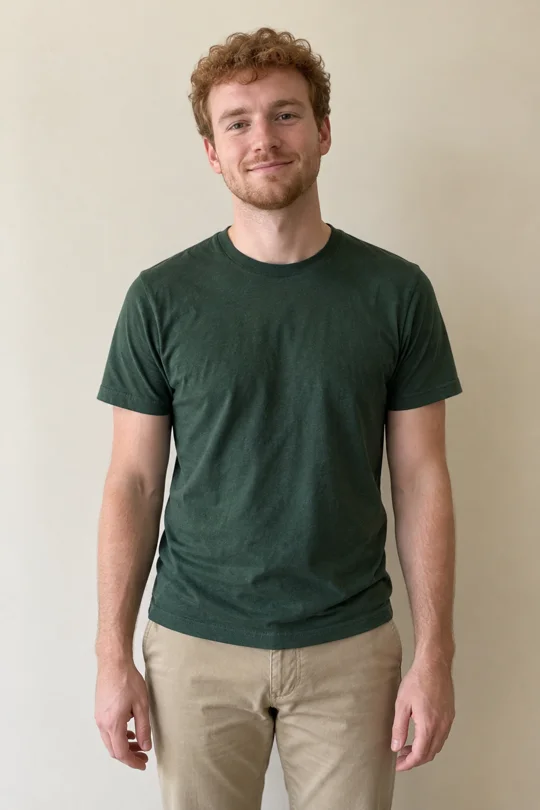
Upload a couple photo, or switch to two photos and add one person in each. JPG, PNG or WebP, up to 10MB each.
Set length and quality
5 or 10 seconds, 480p or 768p. With two photos, also pick vertical 9:16 or widescreen 16:9.
Create and download
Press Create. Your kiss video appears on the page, ready to download and share.
What the AI Kiss Generator Does
One couple photo or two separate photos
No photo of you together? Add two single photos and both people meet in one frame for the kiss.
Your background stays
With one photo, the scene, light and colors stay as they are. With two photos, the scene comes from the first photo; swap the photos to use the other one.
The same two people throughout
Faces, hair, skin tones and clothes match your photos from the first frame to the last.
5 or 10 seconds
The 5-second clip goes straight to the kiss. The 10-second clip adds a hand on the cheek before it and foreheads together after it.
AI Kiss Video Examples
AI Kiss Video Generator FAQ
What is an AI kiss video generator?
It turns photos of two people into a short video of them kissing. Here it works from one couple photo or two separate photos, with no prompt to write.
Can I make two separate photos kiss?
Yes. Switch to two photos and add one person in each. Both appear in profile in the same frame, in the background of the first photo; use Swap to use the other photo's background.
Which photos work best?
Clear, well-lit photos with faces visible. With one photo, keep both people fully in the frame. Long hair falling in front of a face can hide part of it during the kiss. JPG, PNG or WebP, up to 10MB.
Will my background change?
No. A single photo keeps its own scene, light and colors. With two photos, the first photo's background is used.
How long are the videos, and in what quality?
5 or 10 seconds, at 480p or 768p. A single-photo video keeps the shape of your photo; two-photo videos come in 9:16 or 16:9.
Is the AI kiss generator free?
New accounts get free welcome credits, no card required. The cost of each video is shown on the Create button before you start, and credits for a failed video are returned.
Can I use photos of anyone?
Only of people who agreed to it; two-photo mode asks you to confirm this. Photos of celebrities, public figures and minors are not allowed.
Are my photos private?
Uploaded photos are used only to make your video and to run the safety check.
Can I use the videos commercially?
Yes, if you have bought credits, under our Terms of Service and with permission from the people in the photos. Videos made with free credits only are for personal, non-commercial use.