
AI Hug Video Generator from One or Two Photos
Turn one photo of two people, or two separate photos, into a short AI hugging video. The two people turn to each other and hold a warm hug, with their own faces, clothes and background kept. There is no prompt to write: upload, choose 5 or 10 seconds, and create.
1Add your photos
Both people clearly visible, faces toward the camera. JPG, PNG or WebP, up to 10MB.
2Quality & length
Length
Resolution
480P · 5s · 20 credits
Create Your AI Hug Video in 3 Simple Steps
Choose one or two photos
Upload a photo of both people, or switch to two photos and add one person in each. JPG, PNG or WebP, up to 10MB each.
Set length and quality
5 or 10 seconds, 480p or 768p. With two photos, also pick vertical 9:16 or widescreen 16:9.
Share Your Creation
Download your heartwarming hug video and share it with friends, family, or on social media. Watch faces light up when they see it!
Why People Love Our AI Hug Video Generator
Brings Photos to Life
Turn static moments into moving memories. Watch as the people in your photos embrace with realistic, natural-looking movements that feel genuine and heartwarming.
Perfect for Any Occasion
Create unique gifts for anniversaries, birthdays, or just because. These videos make people smile, cry happy tears, and feel closer to their loved ones.
No Skills Required
Upload one or two photos, pick the length, and create. There is no prompt to write and no editing to do.
One Photo or Two Separate Photos
No photo of you together? Add two single photos and both people meet in one frame, in the background of the first photo; swap them to use the other one.
AI Hug Video Generator Examples
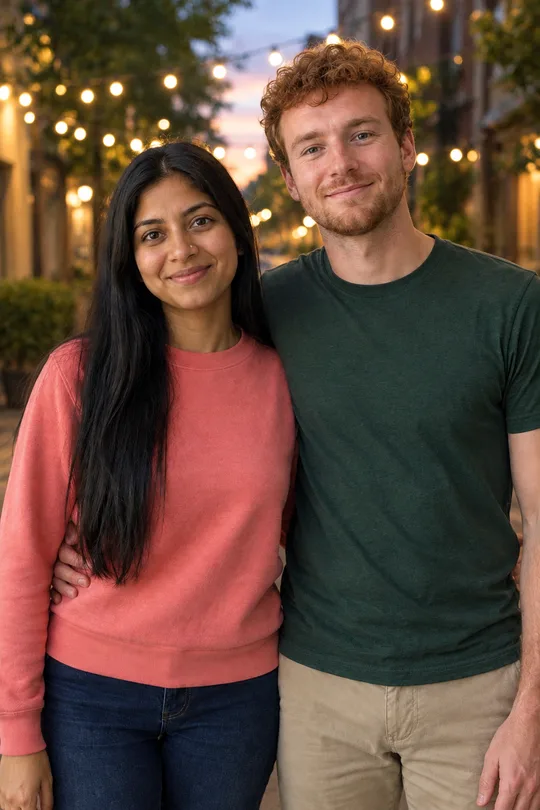

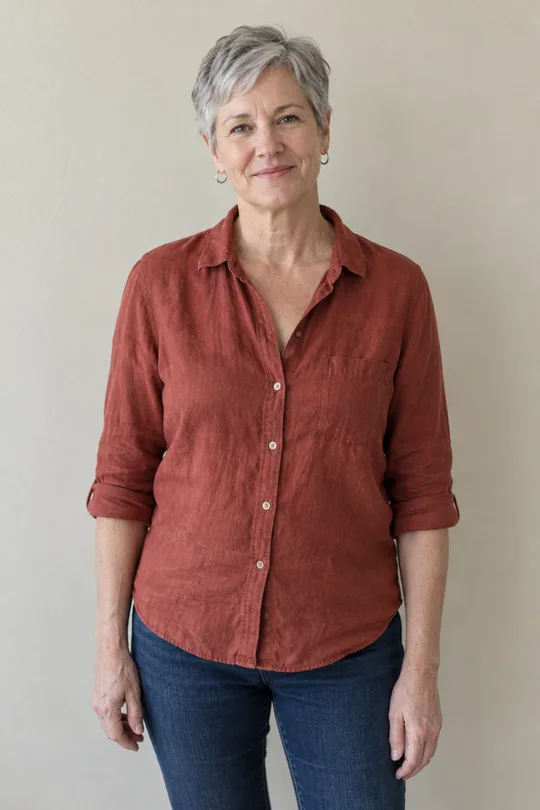
Frequently Asked Questions
What exactly is an AI hug video?
It takes a photo of two people, or two separate photos, and turns it into a short hugging video where they embrace each other, with no prompt to write. It runs in the browser, with nothing to install.
What makes a great photo for AI hug videos?
The best photos show two people clearly, with their faces and bodies visible. Think family photos, couple pictures, or friend snapshots. Avoid group photos with more than two people, very dark images, or pictures where people are mostly hidden. Front-facing photos usually work better than side angles. With two photos, use one person per photo with the face clearly visible.
How long are the videos, and in what quality?
5 or 10 seconds, at 480p or 768p. A single-photo video keeps the shape of your photo; two-photo videos come in 9:16 or 16:9.
Can I use any photo format?
Yes! We accept the most common photo formats: JPEG, PNG, and WebP files. Keep your photos under 10MB for best results. Most phone photos and regular digital pictures work perfectly fine - no need for professional photography equipment.
Is my photo safe with you?
Uploaded photos are used only to make your video and to run the safety check.
Can I use these videos however I want?
If you have bought credits, you can use your videos for personal or commercial purposes; if you have only used free credits, for personal, non-commercial purposes. Either way, follow our Terms of Service and content policy, and make sure you have the right to use the original photos, especially if they show other people.
Can I make two separate photos hug?
Yes. Switch to two photos and add one person in each. Both appear in the same frame, in the background of the first photo; use Swap to use the other photo's background.
Is the AI hug video generator free?
New accounts get free welcome credits, no card required; the credits are added to your account, so you sign in to use them. The cost of each video is shown on the Create button before you start, and credits for a failed video are returned.
Can I use photos of anyone?
Only of people who agreed to it; two-photo mode asks you to confirm this. Photos of celebrities, public figures and minors are not allowed.
Ready to Bring Your Photos to Life?
Free credits on signup • No credit card required